

Fixing Your Digital Bookshelf
How to Add Custom Cover to Your EPUBs

The Kindle I Didn’t Need
I recently bought a kindle paperlike. They usually retail $160 but I found a perfect condition one for $60 on FB Marketplace.
This was it. I was finally going to pick back up my consistent reading habit right?
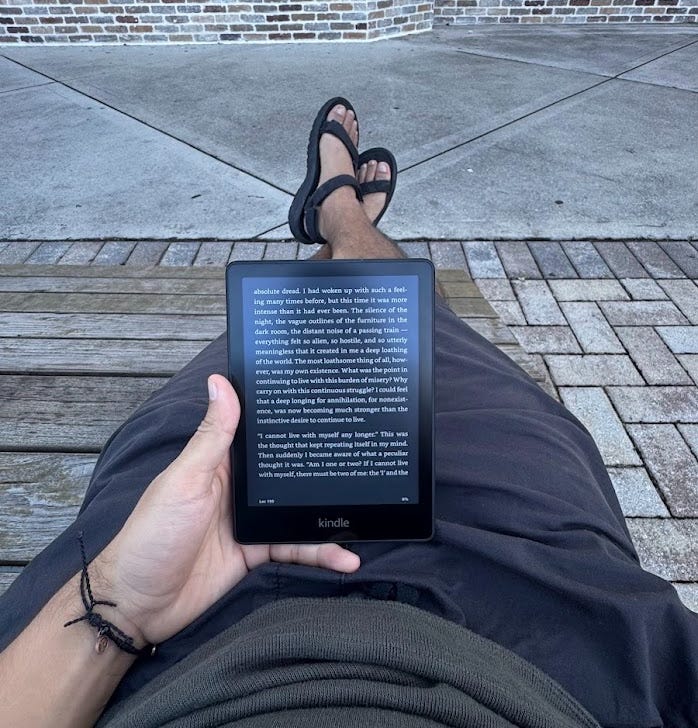
I learned two things after owning it for two weeks
I prefer reading on my phone: Everything loads faster, I don’t have to carry a second device with me everywhere, I can highlight with multiple colors, etc.
I can’t jailbreak the newest models of the kindle: there’s no patch for it yet. I’m someone who really likes to have the ability to personalize my tech.
It’s okay guys I gave the Kindle to my mother she really was in the market for the exact same model and she was ecstatic to receive this one.

Reading on iPhone + Books App
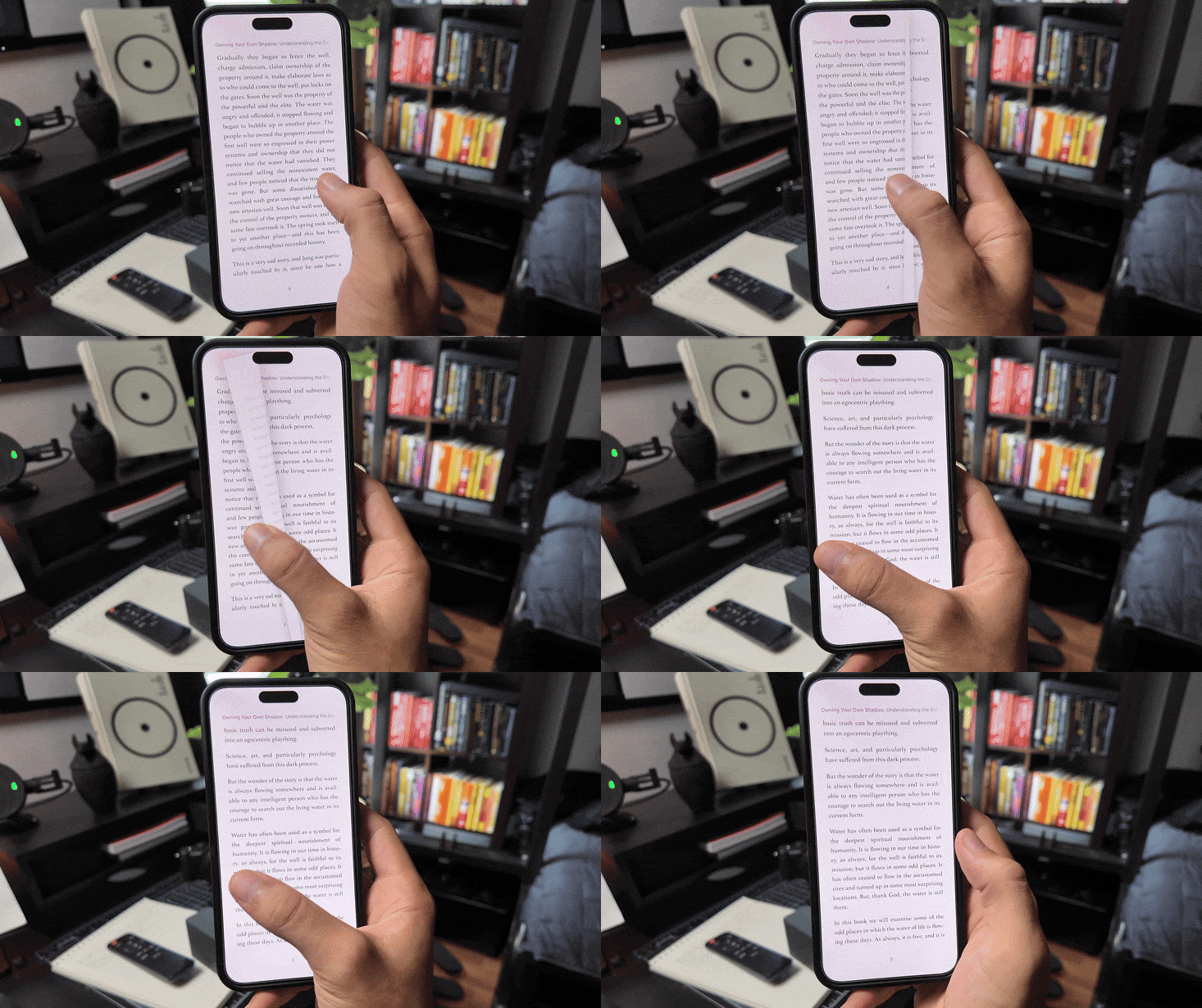
Going back to reading on my phone I realized a handful of things that I’ll be sharing here.
The Books app on iPhone goes kinda crazy, I just realized that not only is it super intuitive to upload PDFs or EPUBs, but they will sync with all your devices and you can grab the original file back whenever you want from iCloud.
You Can Mark Up and Highlight PDFs and you already know how nice that is to have when these books sync to something like an iPad as well.
Which having the original files is really helpful if you are trying to build knowledge bases with AI to help you do perform high quality research.
So I think of these recent steps have helped me future proof my reading setup a bit.
The real sauce I want to share with you today is this workflow:
My new favorite PDF to EPUB Converter:*

https://convertio.co/pdf-epub/ The other ones I was using I ran into limits, this one does not have them.
Change the Book Covers with This Tool:
https://www.prodocumenttools.com/change-epub-cover/ What sucks most about converting pdfs sometimes is that the covers don’t sync.
This one is so easy you just drag the Epub and then Drag the Image You’d like it to use as the cover.
If you big on aesthetics like myself you’ll be glad to know you can now upload your favorite version of any book cover to add to your collection with this.

*Update to Workflow: Calibre

I realized convertio (and almost all other online converters) don’t always do a great job of converting the PDF files (corrupted spelling and random spaces) so I finally got it more consistent using the cross-platform desktop app Calibre. The Conversion works great and you can also update the book covers in this process.
On Mac mace sure you give the program full disk access in your privacy & security settings if you want it to be able to convert onto an external drive.
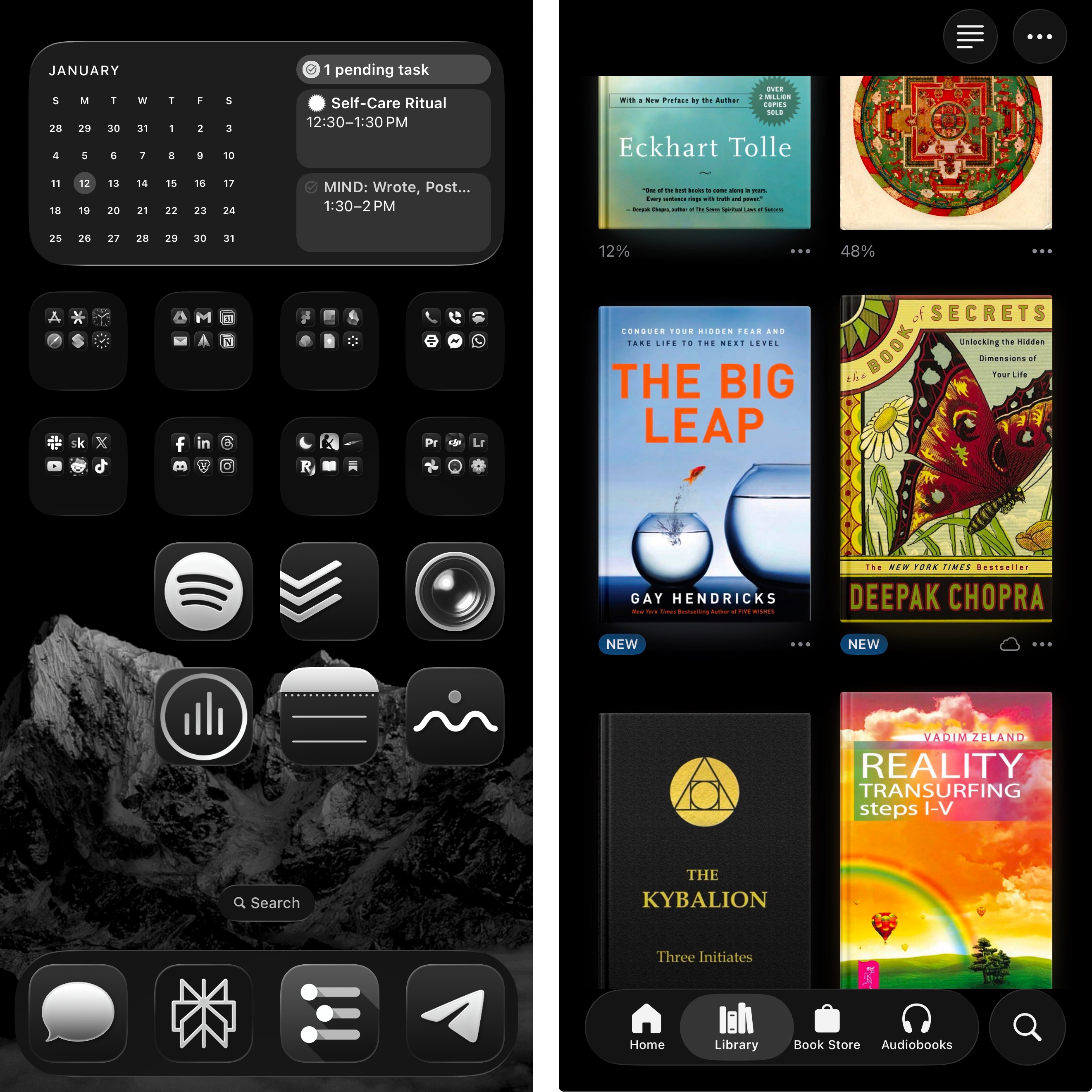
My Digital Library is now gorgeous and I find myself reaching for this > YouTube shorts in a pinch. It also helps to place reading/productive apps in an easy spot to reach on your phone and the distracting ones in a harder spot
Thanks for reading.
Keep growing, Stay Flowing.
— Dan ㊥
Nice, thanks for the tips. If you want more of an e-reader experience you can get a matte screen protector. I tried it a while back and I'm not going back.